
Digital Twin / EON Universal
From a picture to a world you can work in.
Create spatial context from images, models and source material. Review it against the hardware, then use it to understand, rehearse and explain the task.
Explore a space application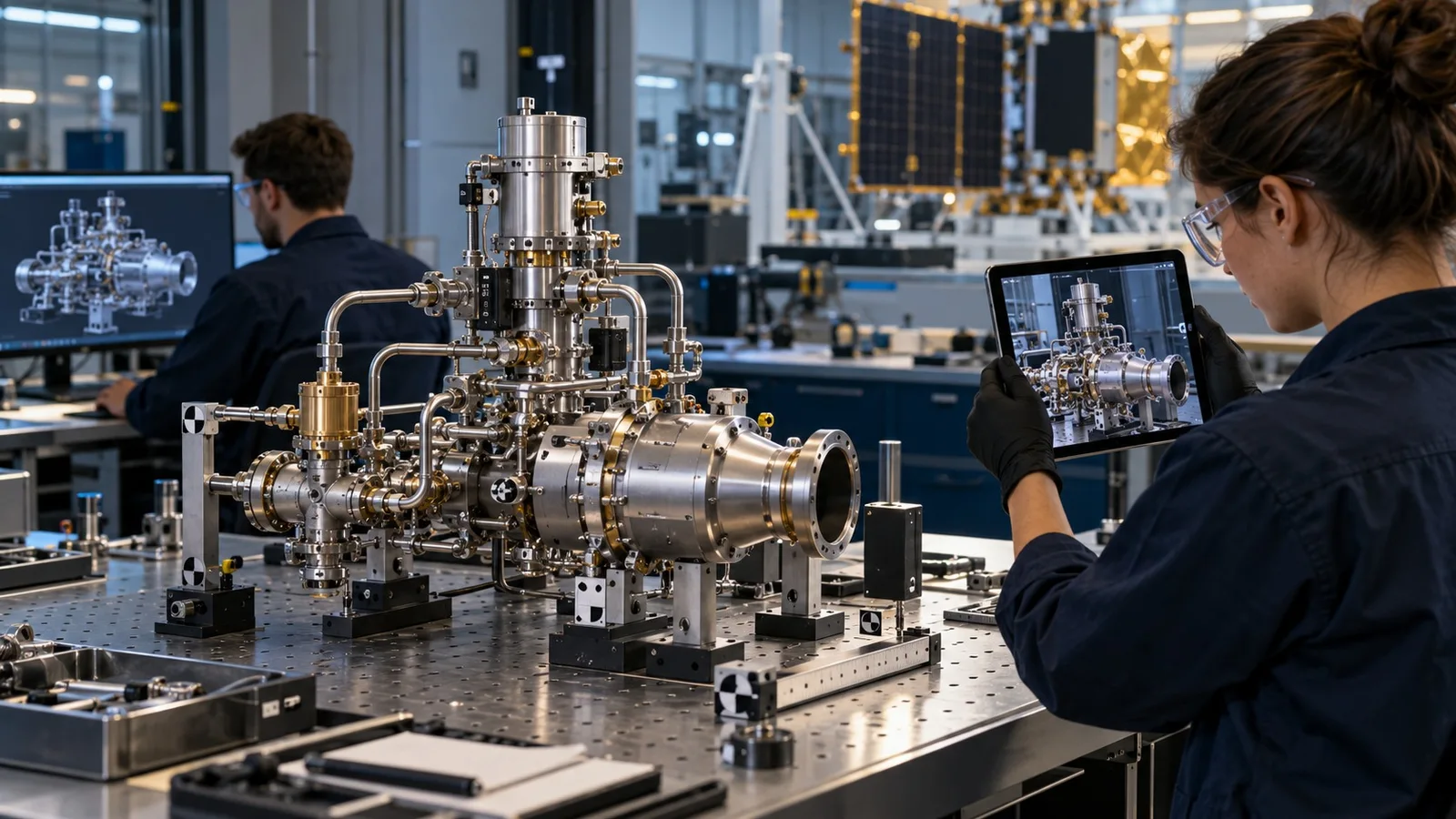
01 / DIGITAL TWIN
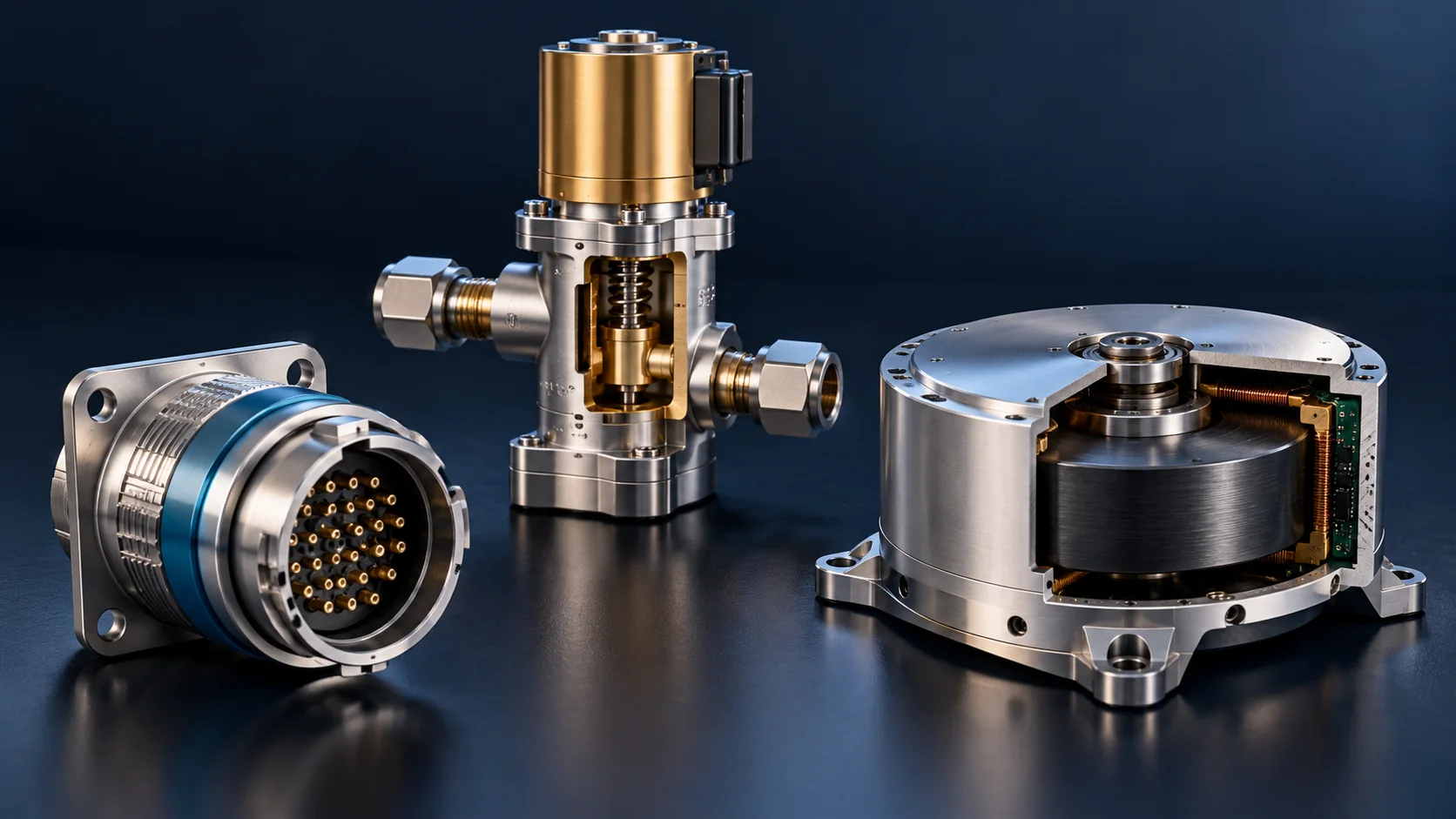
3D Components
Select and explore an understandable object. Connect its shape and function before moving into a procedure.
Discuss your task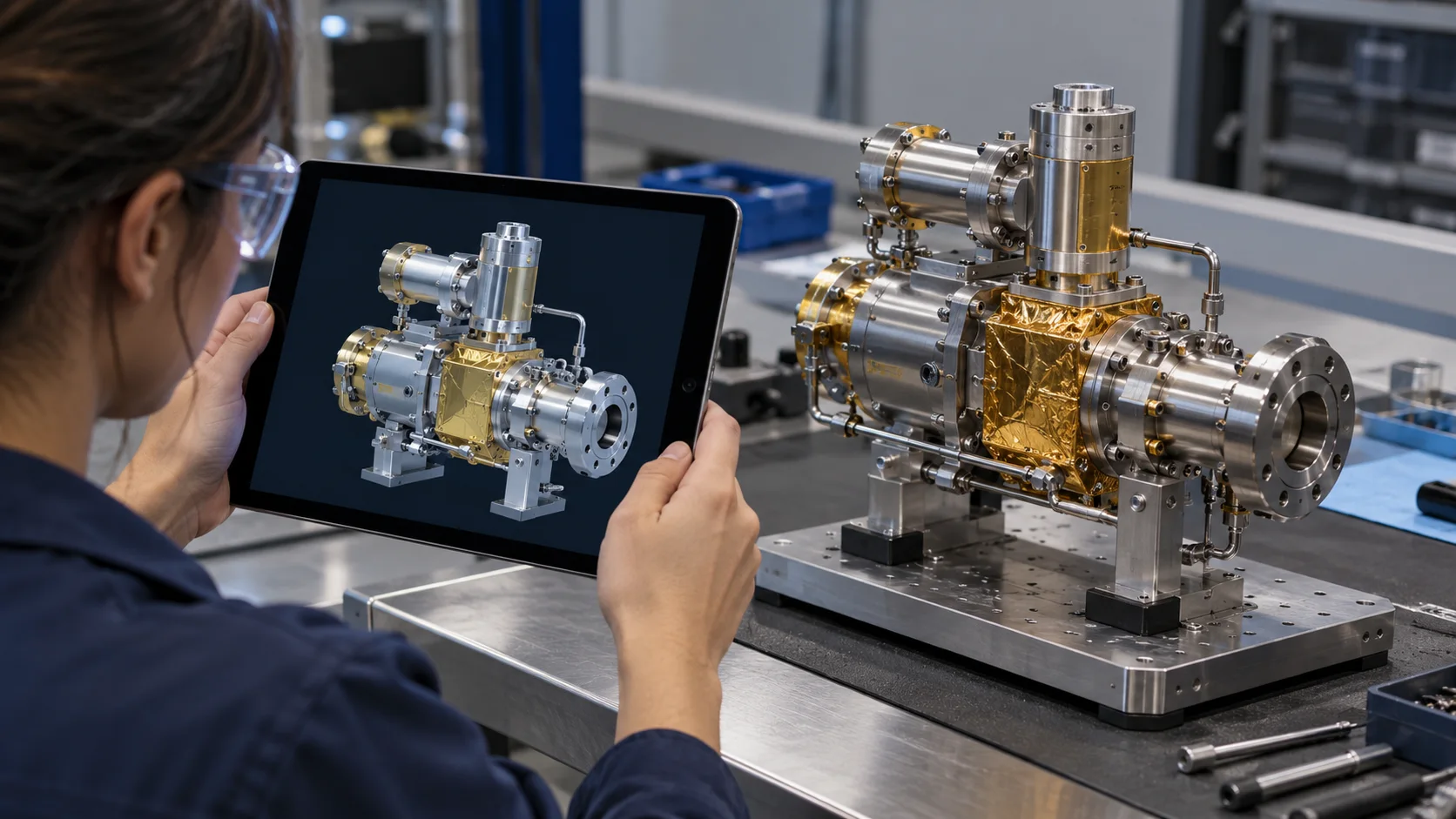
02 / DIGITAL TWIN
Mirror Direct
Develop draft spatial context from reference images. Review geometry and applicability before engineering use.
Discuss your task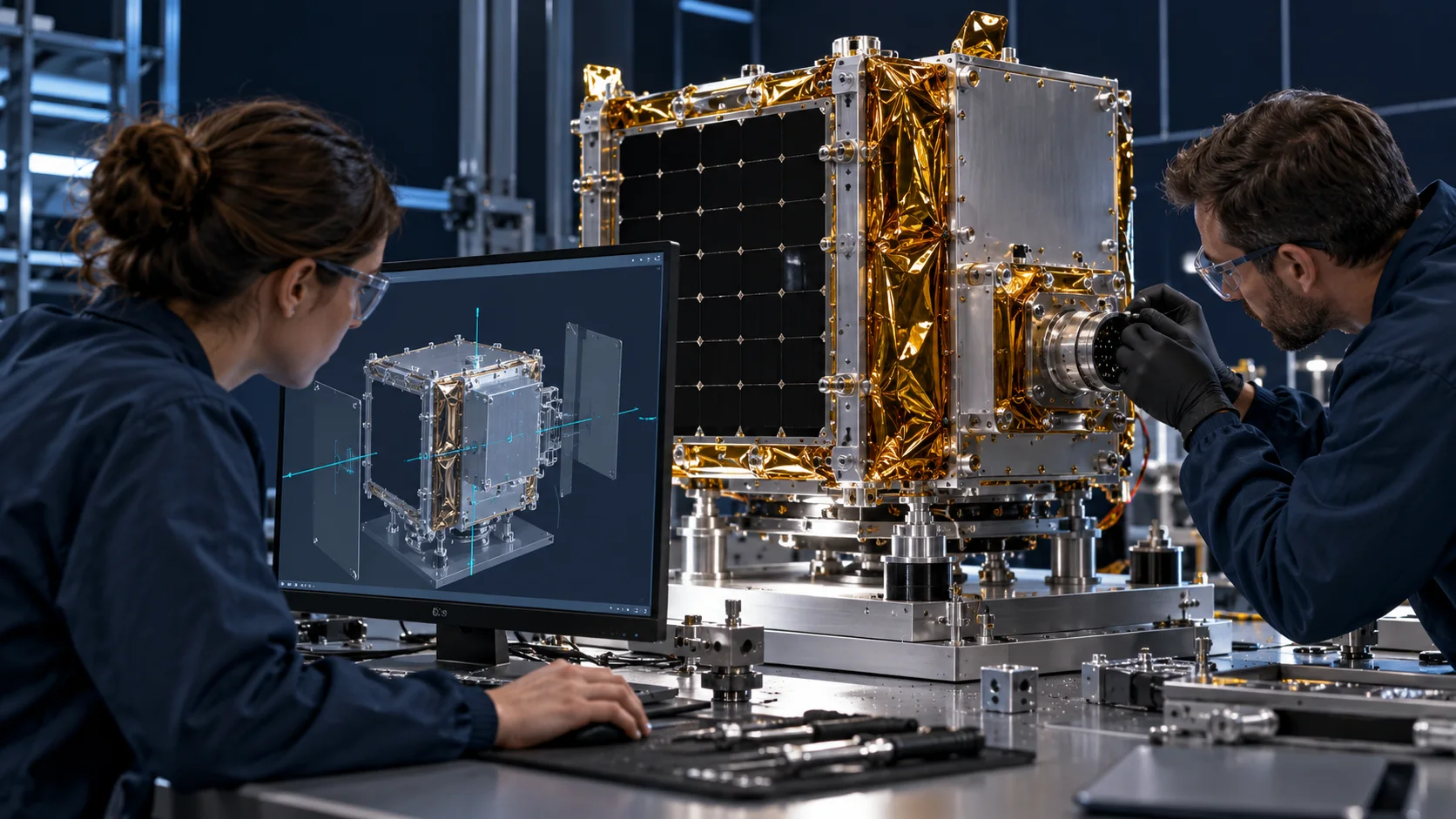
03 / DIGITAL TWIN
Mirror Studio
Review and refine the model against controlled references and physical equipment.
Discuss your task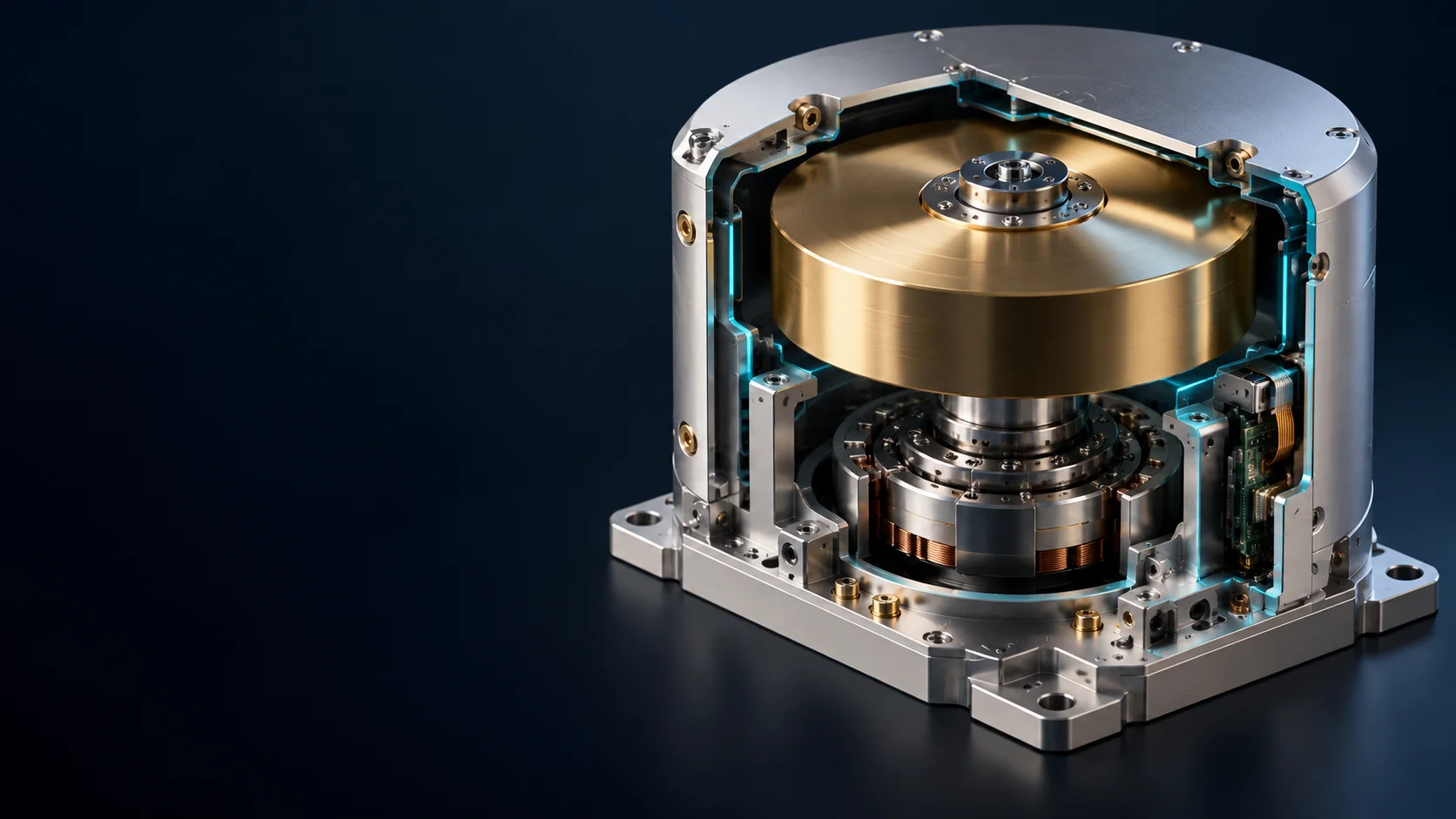
04 / DIGITAL TWIN
Model Inside
Make internal systems understandable through a coherent cutaway or system view.
Discuss your task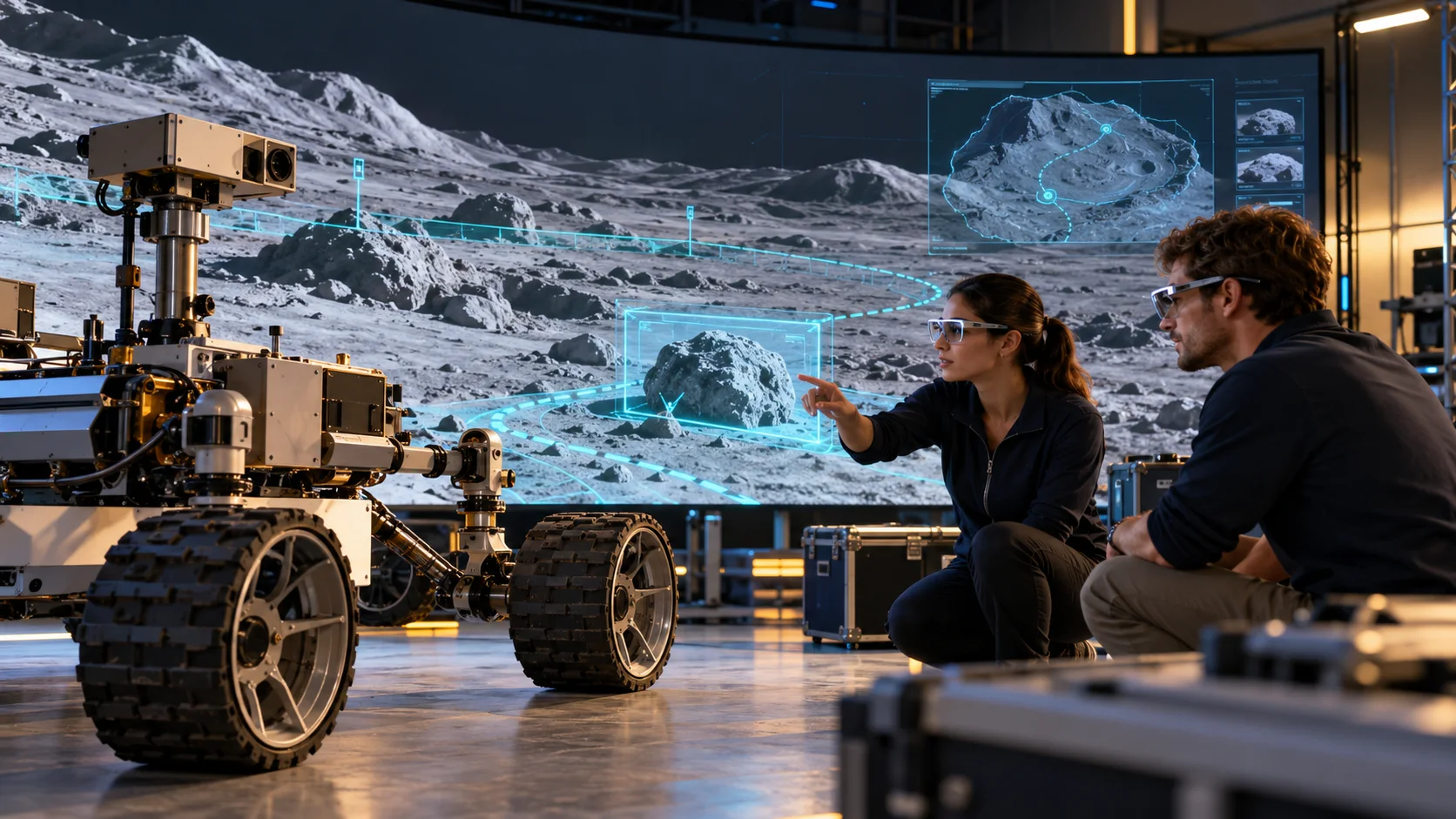
05 / DIGITAL TWIN
Worlds
Put the equipment in a mission setting for contextual learning and rehearsal.
Discuss your taskA CONCRETE SPACE APPLICATION
Make it useful at the hardware.
Capture a valve assembly, review connector placement and build the context for installation training.
APPLICATION AND EVIDENCE
Validate the context.
Image-derived models support understanding and authoring; engineering acceptance requires controlled references and validation.
Parent technology is adapted to the programme. Space-specific interfaces, evidence and acceptance are scoped with the customer.
See the mission solutionsTHE NEXT MISSION
Build the first loop. Earn the next mission.
Bring one valuable task. Let’s explore what reusable operational capability could look like for your programme.
Discuss a mission